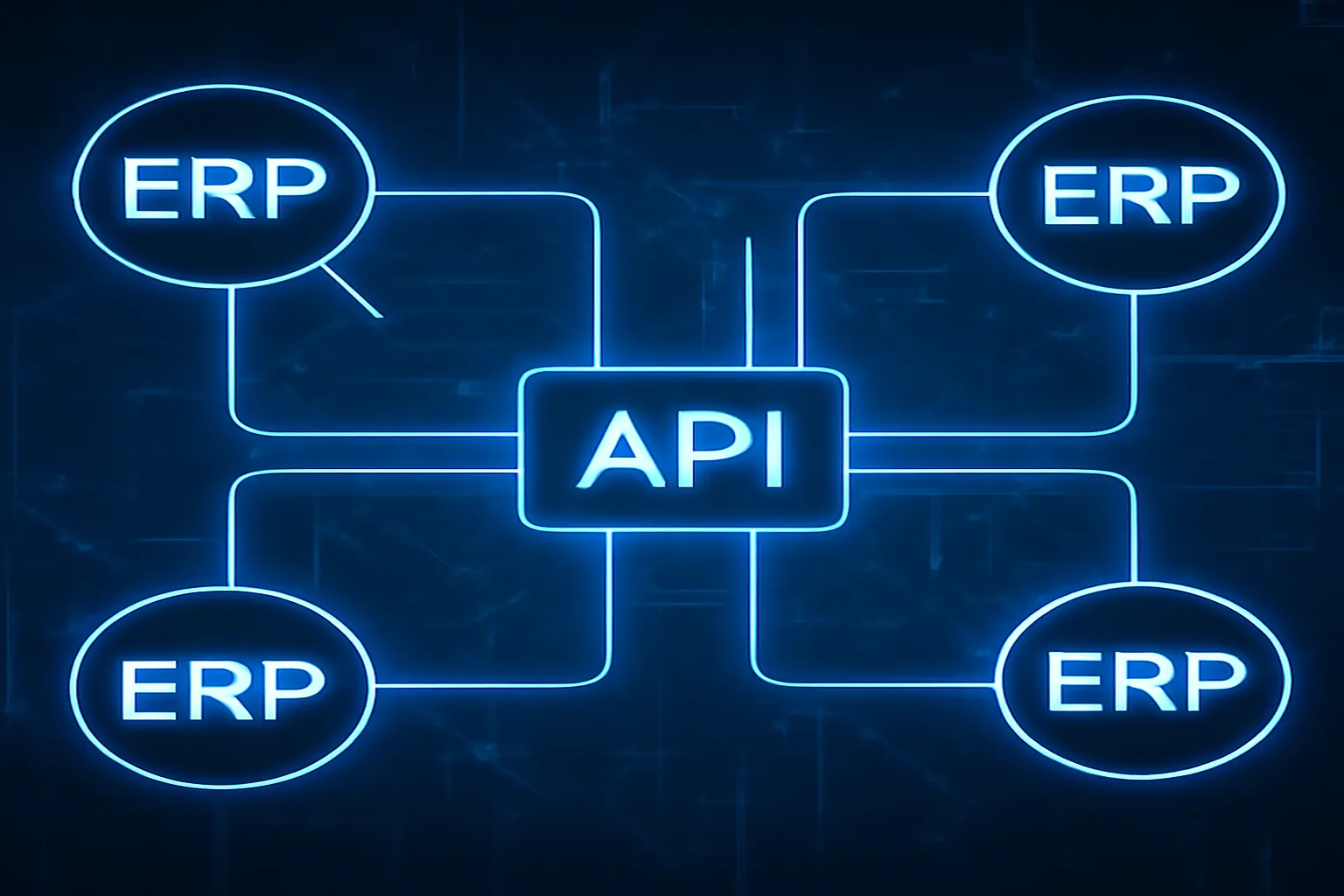
Modern enterprise environments require IBM Maximo to operate not as a standalone system but as a connected participant in a broader technology ecosystem. Work order costs must flow to ERP financial systems. Purchase orders must synchronize with procurement platforms. IoT sensor alerts must trigger maintenance work orders automatically. Equipment data from design systems must populate the Maximo asset hierarchy at commissioning. All of these connections are enabled by the Maximo Integration Framework and, in MAS, by the native REST API and IBM App Connect. This guide covers the architecture and implementation of each integration mechanism.
MIF Architecture Overview
The Maximo Integration Framework is organized around four core concepts: Object Structures, Publish Channels, Enterprise Services, and End Points.
Object Structures define the data schema that Maximo exposes externally. Each Object Structure maps a set of Maximo application objects (WORKORDER, PO, ASSET, etc.) and their fields to a named external schema. Object Structures control which fields are included in integration messages, which fields are required, and which Maximo business rules apply when data enters through the integration layer.
Object Structures are reused across both inbound and outbound integrations. The MXWO Object Structure, for example, can be used to both publish work order status updates to an external system and receive work order creation requests from a field service platform. Pre-built Object Structures exist for all major Maximo business objects; custom structures can be created for specialized use cases.
Publish Channels define outbound integration flows from Maximo to external systems. When a qualifying event occurs in Maximo — a work order status changes, a purchase order is approved, an asset is decommissioned — the Publish Channel generates an XML or JSON message and delivers it to the configured End Point.
Publish Channels are triggered by Publish Channel exits — Java classes or automation scripts that evaluate whether a specific record change should generate an outbound message. Most standard integrations use IBM’s pre-built exits, but custom exit logic can be configured to implement conditional publishing (e.g., only publish POs above a certain value to the external procurement system).
Enterprise Services define inbound integration flows from external systems into Maximo. An external system posts an XML or JSON message to the Enterprise Service URL, and the MIF processes it, validates it against the Object Structure, and creates or updates the corresponding Maximo record. Enterprise Services can invoke Maximo business rules (validation, required field checks, workflow initiation) just as if the record had been created through the Maximo UI.
End Points define the external destinations for Publish Channel messages. End Point types include HTTP (REST or SOAP web service calls), JMS message queues (for asynchronous reliable delivery), and flat file (for batch integrations). For MAS cloud deployments, JMS end points use embedded messaging or external message brokers such as IBM MQ or Apache Kafka.
REST API in MAS Manage
MAS Manage introduces a native REST API that dramatically simplifies integration for modern applications. Unlike the MIF, which requires XML schema configuration, the MAS REST API follows standard RESTful conventions with JSON payloads and requires no pre-configuration in the Maximo application layer.
Base URL pattern: https://{mas-host}/maximo/oslc/os/{objectname}
HTTP methods:
GET /maximo/oslc/os/mxwo?oslc.where=wonum="WO12345"— retrieve a specific work orderPOST /maximo/oslc/os/mxwo— create a new work order (JSON body with field values)PATCH /maximo/oslc/os/mxwo/{id}— update specific fields on an existing work orderDELETE /maximo/oslc/os/mxwo/{id}— delete a record (rarely used in production)
Authentication: MAS REST API uses OAuth 2.0 with API keys. Clients obtain an OAuth token by posting credentials to the token endpoint, then include the bearer token in all subsequent API calls. This is a significant security improvement over Maximo 7.6’s basic authentication over HTTPS.
Querying with OSLC: the oslc.where parameter supports complex filter conditions using OSLC query syntax, including comparison operators, string matching, and relationship traversal. For example: oslc.where=wonum>="WO5000" and wonum<="WO6000" and status="APPR".
Bulk operations: the _bulkid parameter enables batch creation or update of multiple records in a single API call, reducing the overhead of creating hundreds of work orders or assets individually.
For predictive maintenance IoT integrations, the MAS REST API is the primary mechanism for condition monitoring platforms to create work orders when sensor thresholds are exceeded — a much simpler integration than the equivalent MIF configuration required in Maximo 7.6.
SOAP vs REST: Choosing the Right Interface
Maximo 7.6 exposes its MIF interfaces as SOAP web services in addition to the HTTP and JMS end points. MAS retains SOAP support for backward compatibility but strongly favors REST for new integrations.
SOAP (Simple Object Access Protocol) is a mature, standards-based protocol with built-in enterprise features: WS-Security for message-level authentication, WS-ReliableMessaging for guaranteed delivery, and WSDL-based service discovery. SOAP is appropriate for legacy enterprise integration platforms (IBM WebSphere, Oracle SOA Suite, MuleSoft 3.x) that have mature SOAP connectors.
REST with JSON is simpler to implement, requires no client-side WSDL parsing, and is supported by every modern integration platform, programming language, and cloud service. For new integrations — particularly those involving mobile applications, cloud platforms, or IoT devices — REST is the default choice.
The practical decision criteria:
- If the external system only supports SOAP → use MIF SOAP web services
- If the integration requires guaranteed message delivery with retry logic → use MIF with JMS queuing
- If the external system is a modern cloud application → use MAS REST API
- If the integration is a high-volume real-time IoT data stream → consider Kafka-based messaging with App Connect
SAP and Oracle Integration Patterns
SAP integration is the most complex and most common enterprise integration requirement for Maximo deployments. The primary integration patterns include:
Financial Posting: when a work order is completed in Maximo, the actual labor, materials, and contractor costs are posted to SAP CO (Controlling) as actual costs against the corresponding internal order, cost center, or WBS element. This integration ensures that the SAP financial system reflects maintenance costs without manual re-entry. The MIF Publish Channel for work order completion triggers the financial posting message.
Purchase Order Synchronization: in organizations where Maximo manages MRO procurement, POs created and approved in Maximo are transmitted to SAP MM (Materials Management) for vendor communication and invoice matching. Alternatively, some organizations create POs in SAP and publish them to Maximo for goods receipt and inventory update — the direction depends on where the procurement team primarily works.
Master Data Synchronization: GL accounts, cost centers, and WBS elements maintained in SAP need to be available in Maximo for financial charging. Asset master data created during commissioning in SAP Plant Maintenance may need to flow to Maximo as asset records. This bidirectional master data sync is typically implemented as a nightly batch exchange using flat files or a message broker.
For Oracle EBS or Oracle Fusion integration, the patterns are similar but the technical interfaces differ. Oracle provides BPEL-based integration services and REST APIs in Fusion that are more modern than SAP’s BAPI/RFC-based interfaces, making Oracle integrations somewhat simpler to implement on the MAS REST API.
IoT Platform Connectivity
Connecting IoT sensor platforms to Maximo is the foundation of condition-based maintenance — one of the highest-value use cases for modern Maximo implementations. The integration architecture varies depending on whether the deployment is Maximo 7.6 or MAS.
For MAS deployments, the primary IoT integration path is through MAS Monitor, IBM’s IoT monitoring application. Monitor connects to industrial IoT platforms (OSIsoft PI, Honeywell Forge, Emerson AMS, AVEVA, and others) via REST API or OPC-UA connectors. Sensor readings are ingested into Monitor’s time-series data store. When Monitor’s anomaly detection or threshold rules identify a condition requiring maintenance action, it can automatically create a work order in MAS Manage using the REST API — completing the IoT-to-work-order integration without human intervention.
For Maximo 7.6 deployments, IoT integration requires more custom development. The typical pattern uses the MIF Enterprise Service to receive messages from an IoT middleware layer (IBM IoT Platform, Azure IoT Hub, or AWS IoT Core) that translates raw sensor events into Maximo work order creation requests.
The key engineering decisions in IoT-to-Maximo integration are: which sensor events warrant work order creation (avoiding alert fatigue from too many low-priority work orders), how to classify and route generated work orders (which craft, which storeroom, what priority), and how to track the work order outcome back to the sensor platform for model training.
App Connect on MAS
IBM App Connect is an integration Platform as a Service (iPaaS) included in the MAS subscription. It provides a graphical flow builder for creating integrations between MAS and external systems without writing integration code.
App Connect includes pre-built connectors for: Salesforce, ServiceNow, SAP S/4HANA, Workday, Microsoft Dynamics 365, Oracle Fusion, Box, Slack, and hundreds more. For MAS, the IBM Maximo connector provides direct access to Object Structures and the REST API, with pre-built action templates for common operations: create work order, update asset status, query inventory balance.
The App Connect flow designer uses a visual interface where integration developers drag connector actions onto a canvas, map fields between systems, add conditional branching and data transformation logic, and deploy the integration as a managed service. This approach dramatically reduces the time required to build standard integrations — a Maximo-to-ServiceNow incident synchronization that would take weeks to implement via custom MIF configuration can be built in App Connect in a day.
Error Handling and Monitoring
Every production integration requires robust error handling and monitoring. The most common integration failure modes in Maximo are:
Message delivery failures: the external system is unavailable when Maximo attempts to deliver a Publish Channel message. MIF with JMS queuing handles this by retaining the message in the queue until the external system recovers. HTTP-based integrations without queuing lose the message if the external endpoint is down.
Validation errors: the external system sends a message that fails Maximo’s business rule validation (a required field is blank, an invalid code is used, a record already exists). The MIF captures these errors in the Message Reprocessing Queue (MRQ), where integration administrators can review the failed message, correct the error, and reprocess it.
Schema mismatches: the external system sends a message with fields that do not map to the Maximo Object Structure. These errors typically indicate that one side of the integration was updated without corresponding updates to the other, and require coordination between integration teams.
The Message Reprocessing Queue application in Maximo is the primary error monitoring tool. For production integrations, organizations should configure alerts when the MRQ error count exceeds a threshold, indicating an integration problem that requires immediate attention. In MAS, App Connect provides built-in monitoring dashboards showing integration flow success rates and error logs — a significant operational improvement over the manual MRQ review process in Maximo 7.6.
Security configuration for integration accounts requires careful attention. Integration service accounts should have only the minimum Object Structure access required for their specific integration function, never full application-level Maximo access. This principle of least privilege limits the blast radius if an integration service account credential is compromised. For developers building Maximo integrations, CodeYourWeb offers practical enterprise development resources covering API integration patterns and best practices.