David Chen is a Senior IBM Maximo Architect with 18 years of EAM consulting experience across utilities, oil & gas, manufacturing, and public sector. He has led more than a dozen Maximo to MAS migration projects across North America and Europe. In this interview, he shares the hard lessons from the field — what works, what fails, and how organizations can set realistic expectations.
Migration Mindset and Timeline
You’ve led many MAS migrations over the past few years. What’s the single biggest misconception organizations have going in?
The biggest misconception is that MAS migration is primarily a technical exercise. Organizations budget heavily for the technical work — infrastructure, data migration, integration — and significantly underfund the organizational change management side. But user adoption is consistently the make-or-break factor.
MAS looks and works differently from Maximo 7.6. The interface is modern and more intuitive once learned, but the learning curve is real. Technicians and planners who have used Maximo for 10-15 years have deep muscle memory for the old interface. If you don’t invest in training, go-live support, and super-user networks, you’ll have expensive new cloud software that nobody uses effectively.
I tell clients: budget at least 15-20% of your total migration cost for change management and training. Most come in at 5-8% and regret it.
What does the typical migration timeline look like?
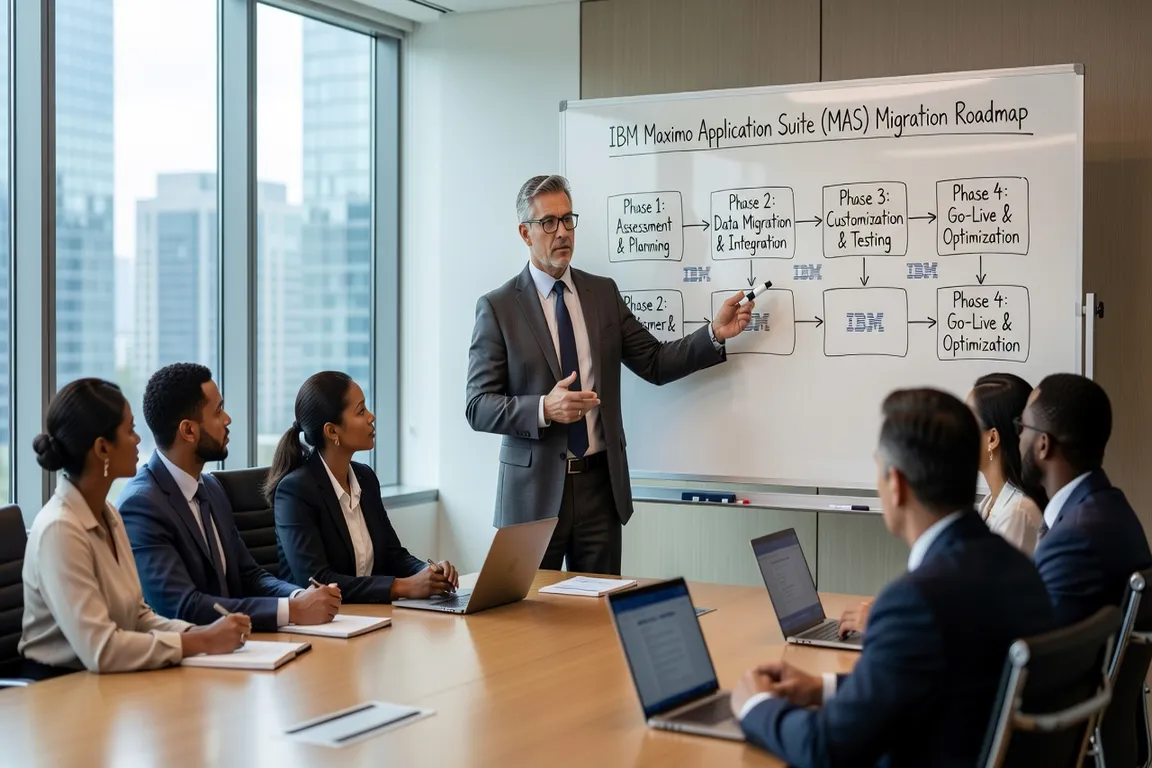
For a mid-size organization — say 500 to 2,000 active users, moderate customizations, 3-5 system integrations — I typically see 12 to 18 months from initial assessment to go-live. That breaks down roughly as:
- Assessment and planning: 2-3 months
- MAS environment setup and configuration: 3-4 months
- Data migration and cleansing: 4-6 months (this always takes longer than planned)
- Integration development and testing: 3-5 months (often parallel with data migration)
- User acceptance testing: 2-3 months
- Training and cutover preparation: 2-3 months
The phases overlap significantly, but the cumulative timeline is rarely under 12 months for organizations of any real complexity.
For detailed migration sequencing, see the MAS Migration Guide which covers the technical phases in depth.
Technical Complexity: Customizations, Data, and Integrations
What consistently derails migrations that start on track?
Three things. First, customization inventory surprises. Organizations often don’t have a complete picture of all the customizations applied to their Maximo 7.6 instance over the years — scripts, UI changes, workflow modifications, custom applications. When you start cataloging them during assessment, you frequently discover functionality that nobody knew was customized, maintained by a consultant who left years ago, or that conflicts with MAS’s architecture.
Second, data quality problems. Maximo databases at organizations that have been on 7.6 for 10+ years often contain years of decommissioned assets still listed as active, duplicate item masters, broken parent-child location hierarchies, and inconsistent classification data. You can’t migrate dirty data to MAS and expect clean operations. The data cleansing effort is consistently the most labor-intensive part of the project.
Third, integration scope creep. Every integration discovered after the project kick-off adds cost and time. A comprehensive integration inventory in the assessment phase is critical. I’ve seen projects discover mid-migration that they had an undocumented interface with a legacy plant historian, or a custom SOAP-based connection to an old ERP that nobody had documented.
How do organizations typically approach the customization problem?
There are three strategies, each with significant tradeoffs.
Lift and shift: Replicate all existing customizations in MAS. This maintains functional continuity and minimizes user retraining, but it’s expensive, it delays the timeline, and it often recreates technical debt that was the original motivation for upgrading.
Clean slate: Adopt MAS standard functionality as-is, redesign business processes to fit the out-of-box tool. This is the most cost-effective approach long-term, but it requires significant process redesign and user retraining. It only works if senior leadership is genuinely committed to process change.
Selective rationalization: Inventory all customizations, classify each as “essential,” “nice to have,” or “no longer needed,” and replicate only the essential ones. This is the most practical approach for most organizations, but it requires difficult conversations about which customizations are truly business-critical.
For the MAS application architecture that shapes these decisions, see the MAS Overview.
You mentioned integration development is often parallel to data migration. How do you manage the complexity?
The key is starting integration work early and using a dedicated integration architect. MAS has strong REST API and GraphQL support through its API layer, which is more modern than MIF-based integrations in 7.6. But that means some existing integrations need to be rebuilt rather than migrated.
APIs and enterprise integration patterns are evolving rapidly — platforms like CodeYourWeb track these trends well if your integration team needs to upskill on modern API patterns.
I recommend establishing an integration test environment that mirrors production data volumes from day one. Performance testing integrations with realistic transaction volumes catches issues that don’t surface with test data. An integration that works fine with 100 transactions per hour can fail catastrophically at 10,000.
What about data migration specifically — what’s the right approach?
Never do a single migration event. Use iterative migration cycles: migrate a subset of data, validate it in the MAS environment, identify data quality issues, fix them at the source, migrate again. Typically you run 3-5 migration cycles before cutover.
Define your data migration scope carefully. You don’t need to migrate all historical work orders from 2008. Decide on a historical data cutoff — usually 3-7 years of work order history, all active assets and locations, all open purchase orders — and archive everything older than the cutoff in the legacy system.
Data mapping is detailed work. Maximo 7.6 and MAS don’t have perfectly identical database schemas. Work with IBM-certified database migration consultants who know both schemas well.
ROI, Success Factors, and Getting Started
What ROI should organizations realistically expect from MAS?
ROI from MAS comes from three sources: reduced infrastructure cost, improved functionality, and productivity gains.
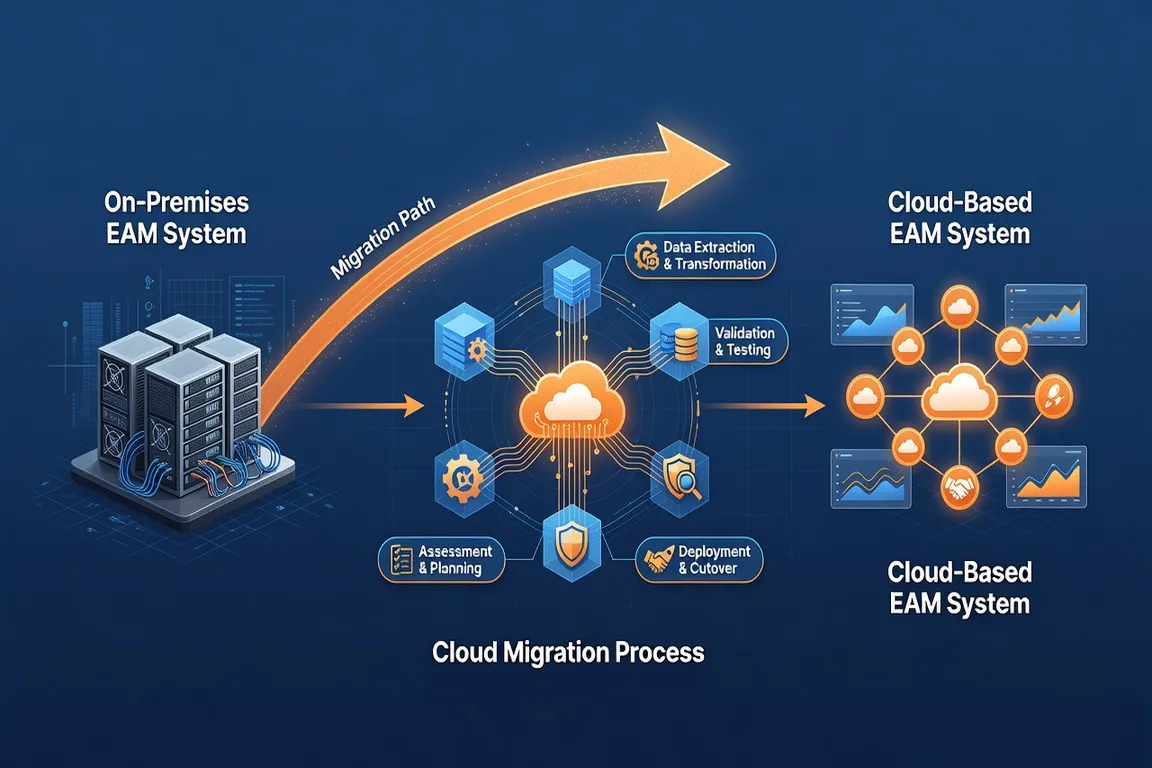
Infrastructure savings are the most predictable — organizations moving from on-premise Maximo 7.6 server infrastructure to MAS SaaS typically reduce their infrastructure and IT support costs by 20-35%. IBM manages patches, upgrades, and infrastructure in MAS.
Functionality improvements — MAS Manage, MAS Monitor, MAS Visual Inspection — provide capabilities that weren’t available in 7.6 without significant additional investment. If your organization actually uses these capabilities, the ROI can be substantial. If your use case is basic CMMS and you don’t plan to use Monitor or AI features, the ROI case is weaker.
Productivity gains are the hardest to predict and the most variable. Organizations with strong user adoption and process redesign report 10-20% productivity improvements in maintenance planning and scheduling. Organizations that simply migrate without process improvement often see minimal productivity gain.
What advice would you give to an organization just starting to evaluate MAS migration?
Three things.
First, start with an honest customization and integration inventory. Spend 2-3 months just documenting what you have before you commit to a timeline or budget. The organizations that skip this step inevitably get surprised mid-project.
Second, get executive sponsorship that goes beyond budget approval. MAS migration requires business process changes that only senior leadership can drive. If your executive sponsor thinks of this as an “IT project,” it will struggle. The most successful migrations I’ve led have a C-level or VP-level champion who is actively visible in change management.
Third, don’t try to negotiate down the timeline. Organizations that try to compress a 15-month project into 9 months typically end up with a failed cutover and an extension anyway — plus strained relationships with their implementation partner. Realistic timelines set realistic expectations.
Organizations that succeed at MAS migration also invest in CMMS best practices before migration — ensuring that business processes are documented and optimized before re-implementing them on the new platform, rather than migrating existing bad habits.
MAS migration done well is genuinely transformative — it gets organizations off aging infrastructure, onto a modern cloud platform, and positions them for AI and IoT integration that wasn’t possible with 7.6. But the organizations that realize that potential are the ones that invest in doing it right.