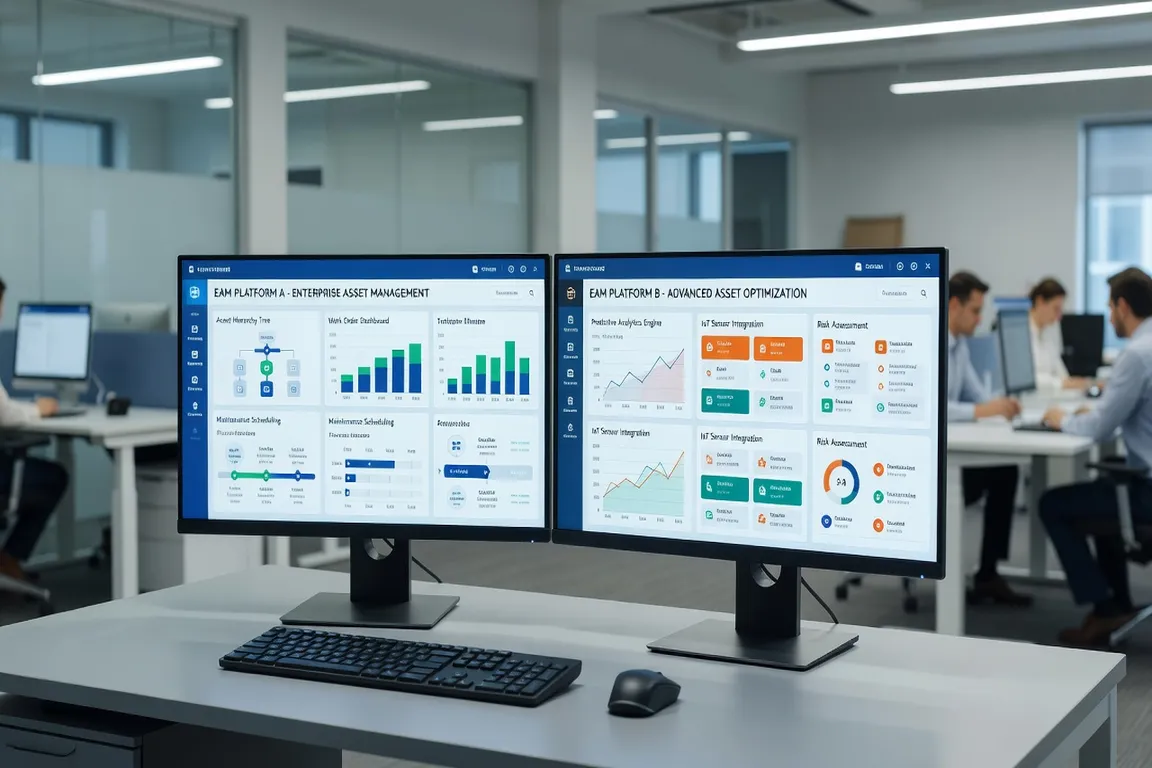
IBM Maximo 7.6 has been the dominant enterprise asset management platform for over a decade. Maximo Application Suite (MAS) is IBM’s cloud-native successor, built on Red Hat OpenShift and designed for the next generation of EAM and IoT use cases.
Choosing between them — or planning the migration timeline — is one of the most consequential IT decisions maintenance organizations face in 2026. This guide provides a structured comparison across the dimensions that matter most for enterprise decision-making.
For context on what MAS actually includes as a platform, see the MAS Overview guide before diving into this comparison.
Deployment Architecture
Maximo 7.6
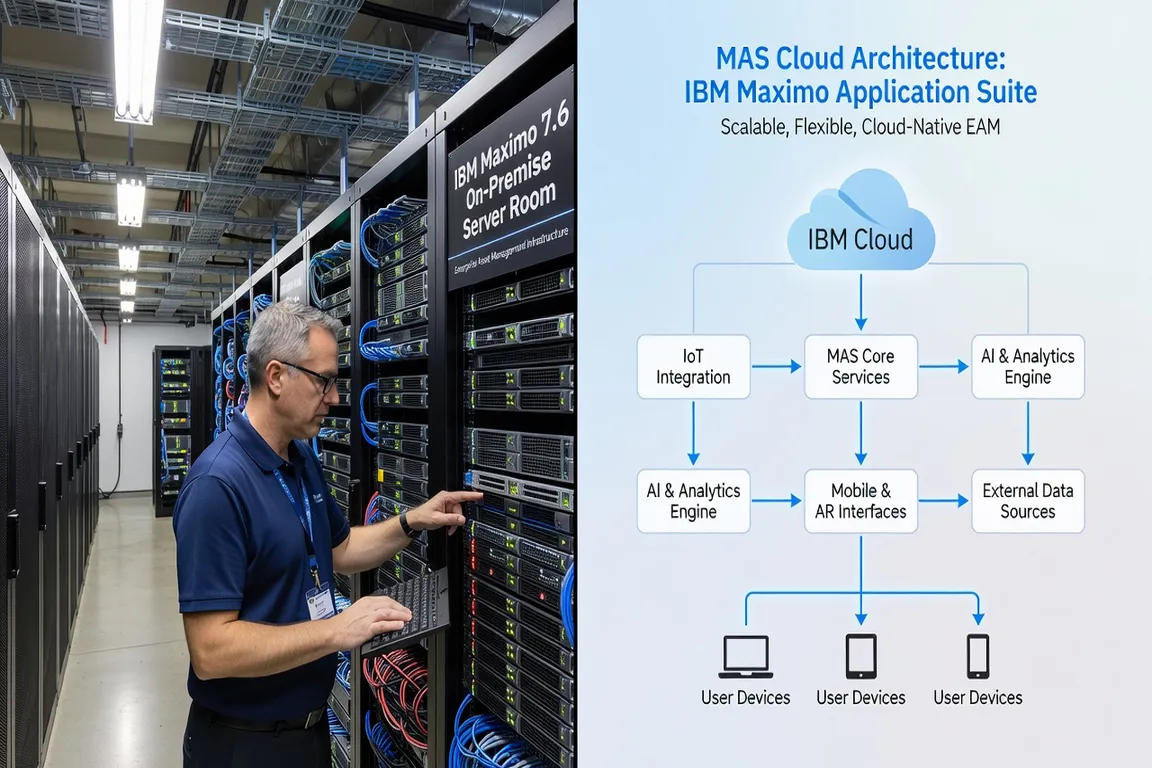
Maximo 7.6 is an on-premise or private-cloud application deployed on WebSphere Application Server (or Maximo Application Framework on Liberty in later fix packs). Organizations are responsible for:
- Server infrastructure (physical or VM)
- Database (DB2, SQL Server, or Oracle)
- WebSphere or Liberty application server
- Network, security patching, and backup
- Maximo upgrades (fix packs, interim fixes)
- Third-party middleware for integrations
The on-premise model provides maximum control and is preferred by organizations with strict data residency requirements or air-gapped network environments. However, it requires significant in-house or contracted IT resources to maintain.
Maximo Application Suite (MAS)
MAS is delivered as a containerized application on Red Hat OpenShift Container Platform. It can be deployed:
- MAS SaaS (IBM-hosted): IBM manages the OpenShift cluster, application, patches, and upgrades. Customers access MAS via a browser or mobile app.
- MAS on customer-managed OpenShift: Customer runs OpenShift on-premise or in a private cloud, IBM provides the MAS software.
- MAS on hyperscalers (AWS, Azure, GCP): Customer runs OpenShift on cloud infrastructure, IBM provides MAS.
The SaaS model eliminates most infrastructure management burden. The customer-managed models provide more control at the cost of OpenShift expertise requirements.
Application Features: What’s Changed
Core CMMS Functionality
Maximo Manage (the core EAM module in MAS) provides the same fundamental functionality as Maximo 7.6: work orders, assets, locations, inventory, purchasing, PM, and reporting. The data model is largely compatible, and organizations migrating from 7.6 to MAS Manage will recognize the core workflows.
Key improvements in MAS Manage vs 7.6:
- Modern UI (Manage uses a refreshed interface vs the 7.6 browser client)
- Enhanced mobile capabilities through Maximo Mobile
- Improved reporting with built-in dashboards
- Better API coverage through REST and GraphQL
New Capabilities in MAS (Not in 7.6)
This is where MAS genuinely differentiates:
MAS Monitor: Real-time IoT sensor monitoring, anomaly detection using AI/ML, and condition-based maintenance triggering. Requires asset connections via IoT Platform.
MAS Visual Inspection: AI-powered image and video inspection for quality control and defect detection. Uses computer vision models trained on industrial images.
MAS Health: Asset health scoring based on multiple data sources — work history, sensor readings, inspection results. Provides portfolio-level asset health visualization.
MAS Predict: Predictive maintenance models using machine learning, trained on historical failure data and sensor readings.
These capabilities represent a fundamentally different value proposition than Maximo 7.6. Organizations that plan to use MAS Monitor + MAS Predict for condition-based maintenance can achieve a shift away from time-based PMs that was not possible with 7.6 alone. Effective use of MAS Monitor also requires solid Maximo Asset Management foundations — accurate asset hierarchies, classification, and meter histories are essential inputs for the AI models.
Licensing and Cost Model
Maximo 7.6 Licensing
Maximo 7.6 uses a perpetual license model with ongoing Software Subscription and Support (S&S) fees. The license is purchased per authorized user or per concurrent user, depending on the contract structure.
Costs for Maximo 7.6 include:
- Initial perpetual license (one-time)
- Annual S&S (typically 20% of license value)
- Infrastructure: server hardware, DB licenses, OS licenses
- IT staffing for maintenance and upgrades
- Third-party tools (reporting, mobile, integration middleware)
MAS Licensing (AppPoints)
MAS uses IBM’s AppPoints licensing model. Each MAS application (Manage, Monitor, Health, Predict, Visual Inspection) consumes AppPoints per user per month. Different user roles (Full, Limited, Viewer) consume different AppPoints quantities.
AppPoints pricing allows organizations to allocate capacity across MAS applications flexibly. Adding new users or new applications draws from the AppPoints pool.
For SaaS customers, IBM’s infrastructure cost is embedded in the AppPoints subscription. For customer-managed deployments, OpenShift licensing and infrastructure are additional costs.
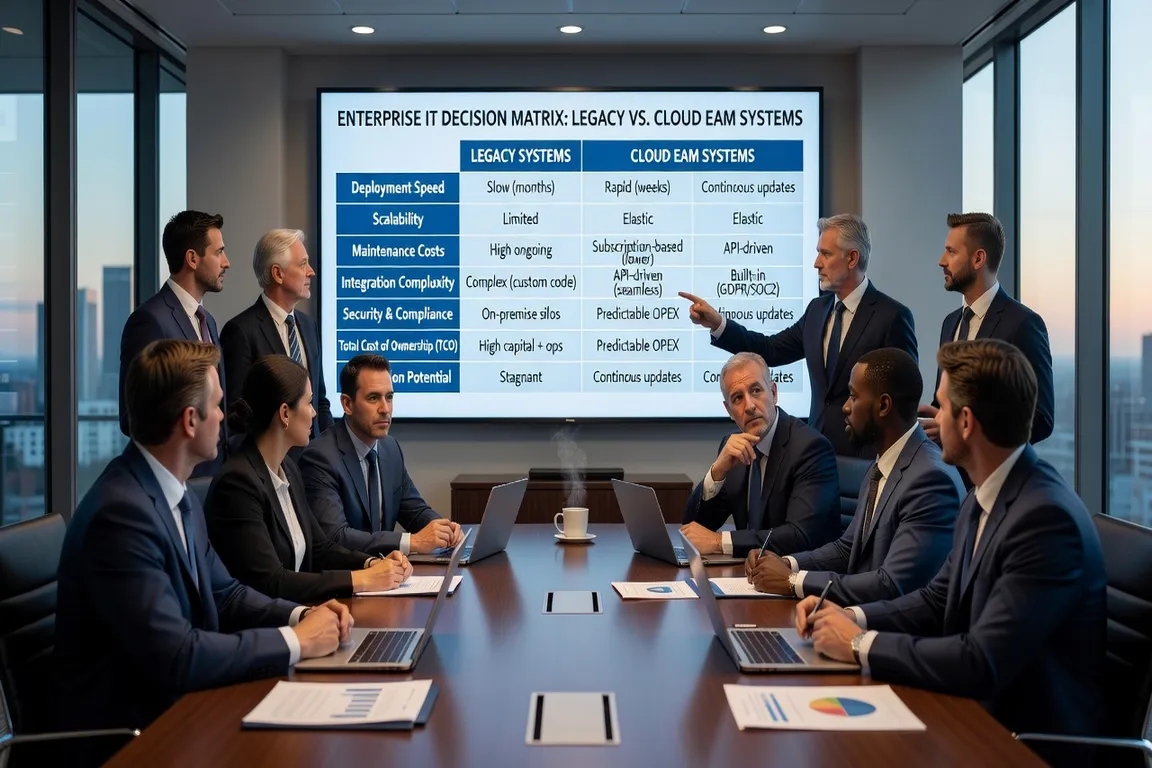
5-Year TCO Comparison (indicative, mid-size organization):
| Cost Component | Maximo 7.6 | MAS SaaS |
|---|---|---|
| Software licenses/subscription | Lower initial | Higher annual |
| Infrastructure & IT ops | High | Low (SaaS) |
| Upgrades and patches | Internal labor | Included |
| Advanced capabilities (AI/IoT) | Separate investment | Included |
| 5-Year TCO | Comparable or lower | Comparable or lower at scale |
The 5-year TCO advantage for MAS SaaS becomes more favorable as organizations factor in avoided infrastructure investment, reduced IT staffing, and the included cost of advanced capabilities.
Support Lifecycle
Maximo 7.6 End of Support
IBM has announced the end of standard support for Maximo 7.6.x. Extended support is available at additional cost. Organizations on Maximo 7.6 without a migration plan should:
- Confirm their current support tier and expiration date with their IBM representative
- Understand that extended support costs are typically 15-25% higher than standard S&S
- Recognize that no new features or security patches beyond critical vulnerability fixes will be developed for 7.6
The support timeline should be a primary driver of migration planning urgency. Cloud adoption trends covered on i-actu.fr indicate that enterprise software modernization is accelerating across all sectors, with on-premise ERP and EAM systems increasingly seen as technical debt.
MAS Support Lifecycle
MAS receives continuous updates as a cloud-native platform. IBM provides quarterly updates with new features, monthly patches for security, and IBM’s standard cloud software lifecycle commitments. Organizations on MAS SaaS receive updates automatically as part of their subscription.
Integration Capabilities
Maximo 7.6: Maximo Integration Framework (MIF)
Maximo 7.6 uses MIF for enterprise integrations: publish channels, enterprise services, object structures, and endpoint configurations. MIF supports SOAP web services, XML, JSON, and flat file formats.
MIF is mature and well-documented, but it’s a pre-REST-API architecture that requires configuration-heavy setup for modern API integrations. Organizations with complex MIF customizations face re-engineering work in MAS.
MAS: REST APIs and Modern Integration
MAS Manage exposes REST APIs and GraphQL endpoints natively. The API layer supports:
- OSLC (Open Services for Lifecycle Collaboration) standards
- REST API for all major business objects
- GraphQL for flexible data queries
- Webhook support for event-driven integrations
MAS also includes a built-in integration framework that supports modern iPaaS tools (MuleSoft, IBM App Connect, Boomi). For organizations building new integrations, the MAS API layer is significantly easier to work with than MIF.
For detailed integration architecture, see the Maximo Integration Framework guide.
Decision Framework: Which Should You Choose?
Use this framework to guide your decision:
Stay on Maximo 7.6 if:
- Your S&S contract is current and support expiration is 3+ years away
- Your organization has significant on-premise infrastructure investments
- Your operations have strict data residency requirements in jurisdictions where IBM SaaS regions aren’t available
- Your customizations are so extensive that migration costs exceed 3 years of MAS AppPoints cost
Migrate to MAS if:
- Your Maximo 7.6 support contract is within 2 years of expiration
- Your organization is reducing on-premise IT footprint
- You want to use AI-powered features (Monitor, Predict, Visual Inspection)
- Your integration landscape is moving to REST APIs and modern iPaaS
- Your leadership is committed to cloud-first strategy
Hybrid consideration: Some organizations maintain Maximo 7.6 for operational sites while piloting MAS at one or two greenfield sites. This allows evaluation of MAS functionality in production conditions without full migration risk.
Mobile Capabilities
Maximo 7.6 offers Maximo Anywhere (a hybrid mobile application) and the browser-based Work Center as its primary mobile interfaces. Both are functional but show their age in terms of user experience and offline capability.
MAS includes Maximo Mobile, a native iOS/Android application with a modern UI, better offline synchronization, barcode scanning, and GIS integration. Maximo Mobile represents a substantial improvement in field worker experience over Maximo Anywhere.
For organizations where field technician adoption is a critical success factor, the Maximo Mobile improvement alone can justify migration.
Summary
IBM Maximo 7.6 remains a capable CMMS for organizations with on-premise requirements, current support contracts, and limited interest in AI/IoT capabilities. It continues to run mission-critical maintenance operations at thousands of organizations worldwide.
Maximo Application Suite is the strategic direction for IBM’s EAM investment. Organizations planning for 5+ year technology horizons should be developing MAS migration roadmaps now, driven by support lifecycle, the availability of AI capabilities in MAS, and the infrastructure cost advantages of cloud delivery.
The migration decision is not if, but when — and the organizations that plan proactively will achieve better outcomes than those who migrate under support-expiration pressure.
Regardless of your platform choice or migration timeline, establishing solid CMMS best practices on your current system maximizes operational value while you plan the transition.